


Keep Digitaleoin your pocket
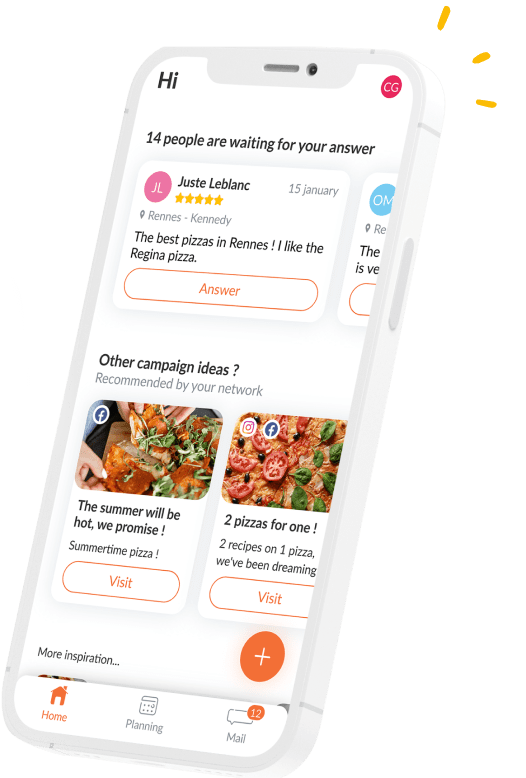
Post on Facebook and reply to all your customer reviews with Digitaleo, from your mobile or tablet device.
Psssssst… Don’t look for our app on the Google Play Store or Apple Store
because it’s not there 😇
Follow our installation tutorials
Android installation
From your phone or tablet, go to https://m.digitaleo.com
We recommend using Chrome.
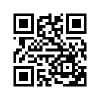
or flash this QRcode directly :
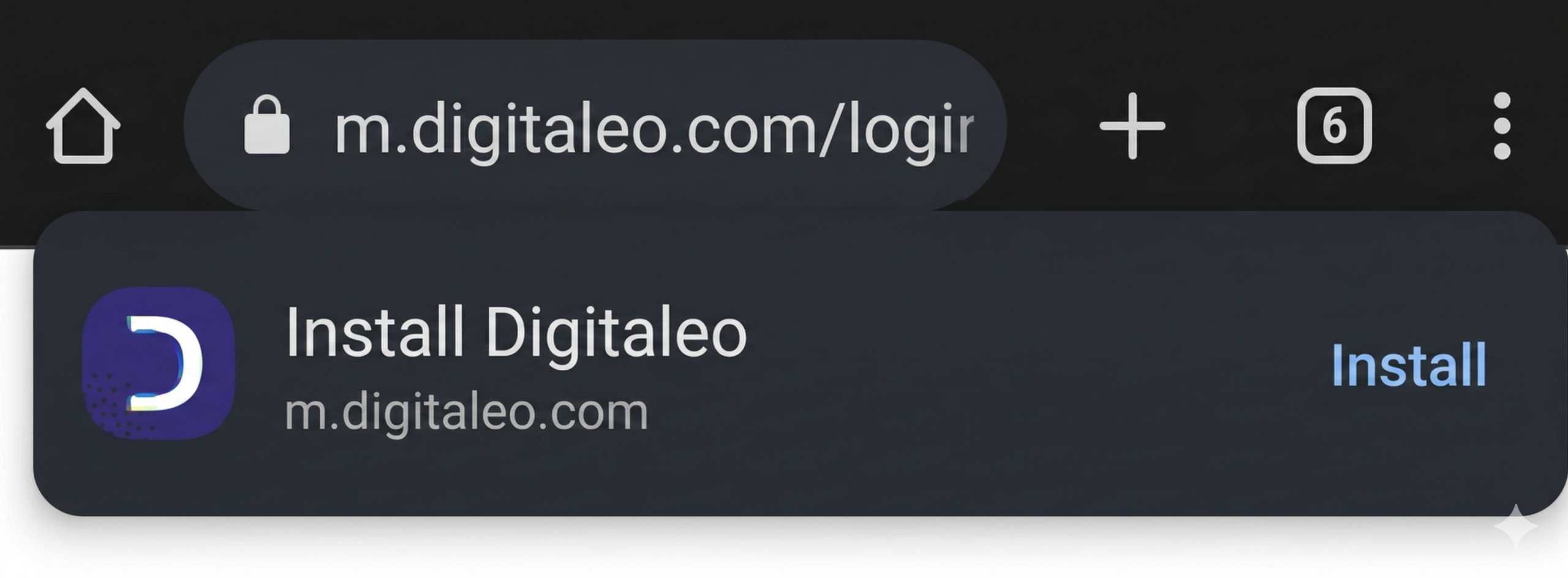
A window appears, click on "Install app".
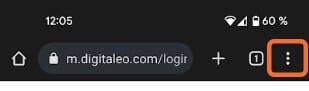
👉 Can’t see the app install button?
- Click on your browser’s menu
(3 small dots at top right)
- Choose “Install” or “Install application” or “Add to home screen”.
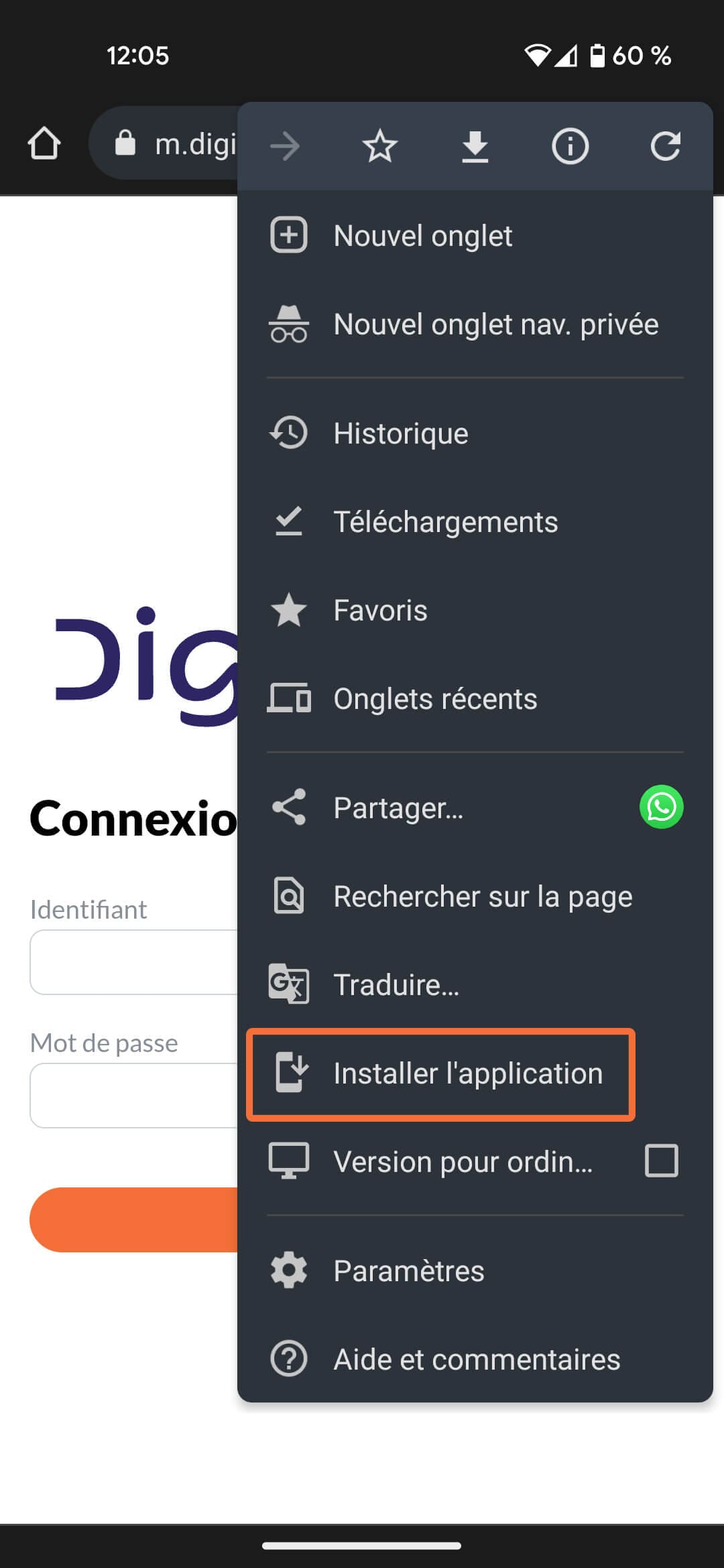
- Click on “Install” and follow the instructions!
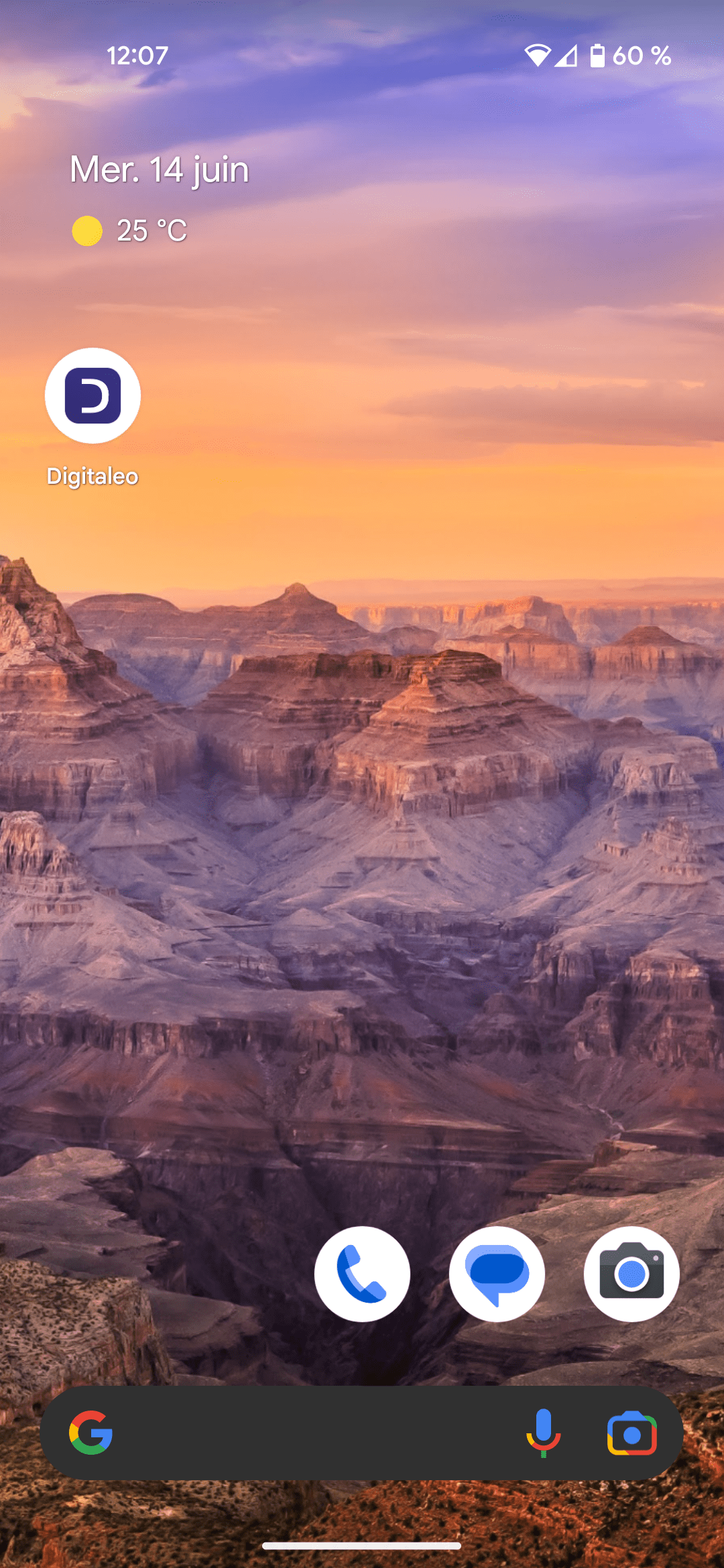
Return to the home screen of your phone or tablet to see the Digitaleo app in your list of applications.
Click on the icon to launch the application
Enter your login and password (these are the same as your Digitaleo access on your computer)

👉 PS: Save your password so you don’t have to re-enter it each time you use the application.
iOS installation
From your phone or tablet, go to https://m.digitaleo.com
We recommend that you use Safari.
or flash this QRcode directly :
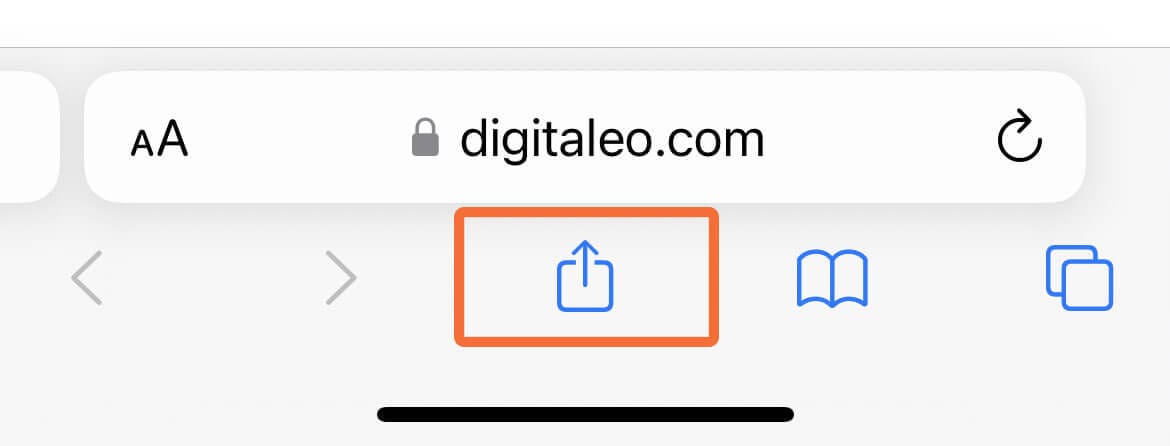
Click on the icon below your browser bar
A drop-down menu appears: choose "On home screen".
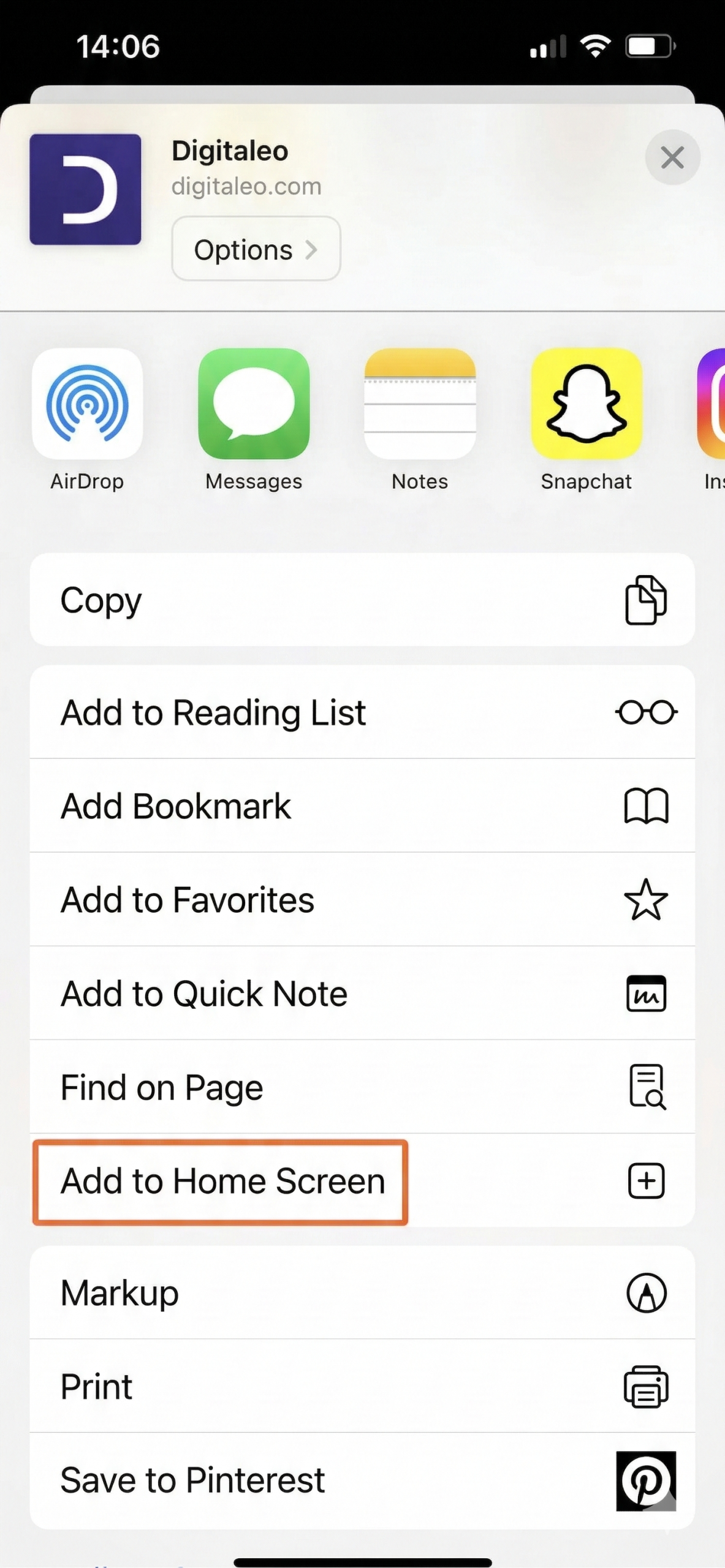
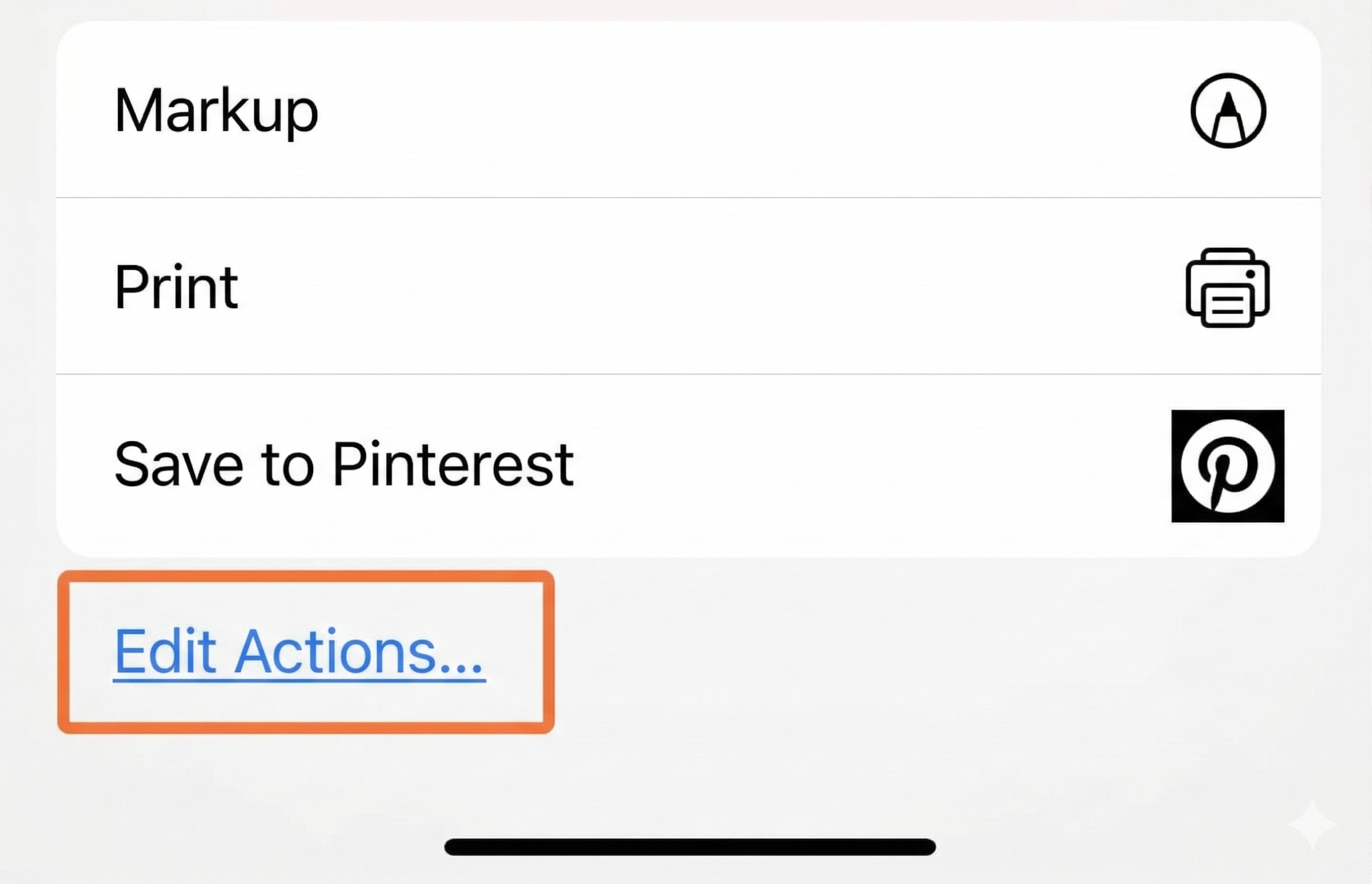
👉 Can’t see “On home screen”?
- Scroll down to “Modify actions”.
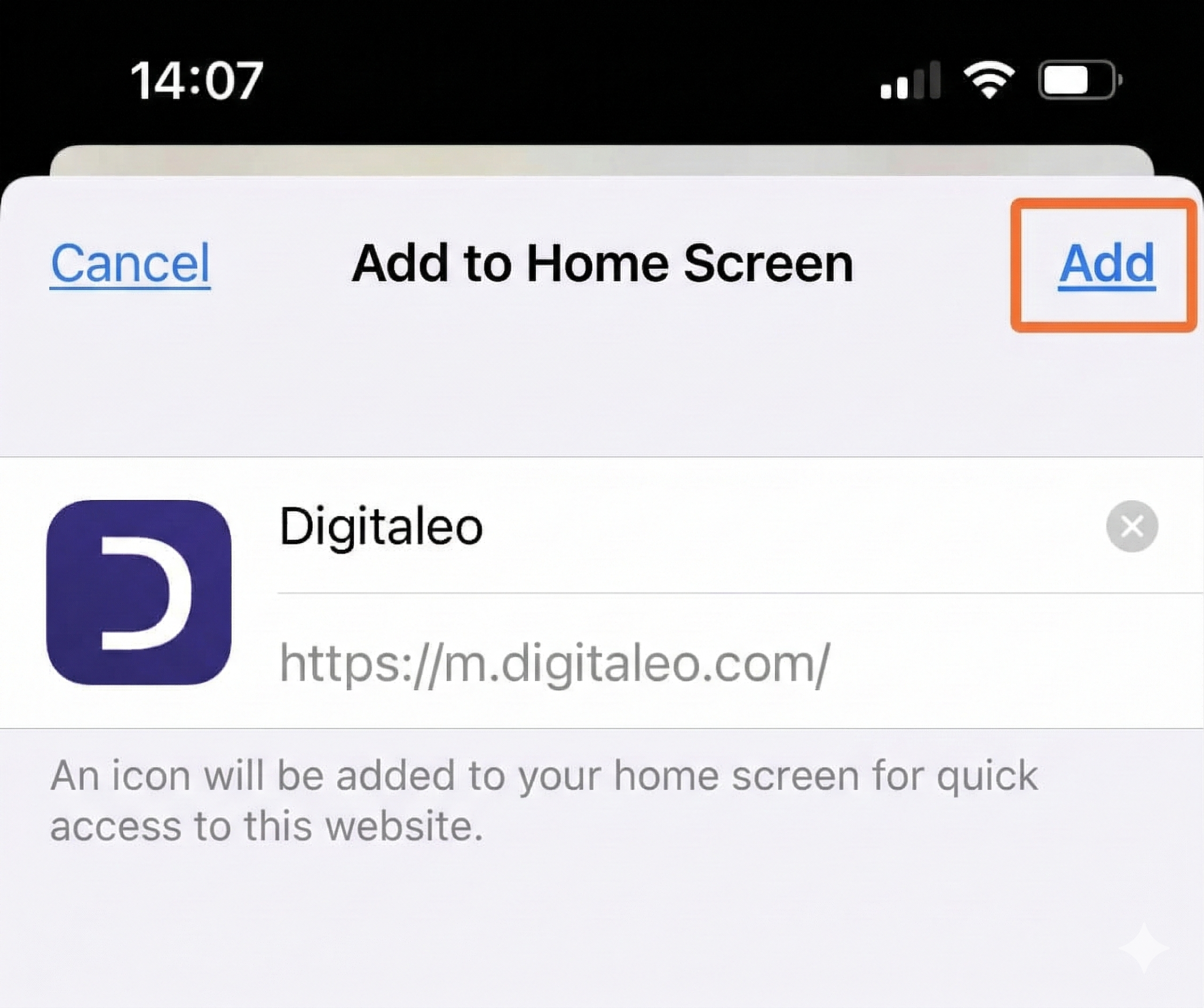
- A confirmation page appears, click on “Add”.
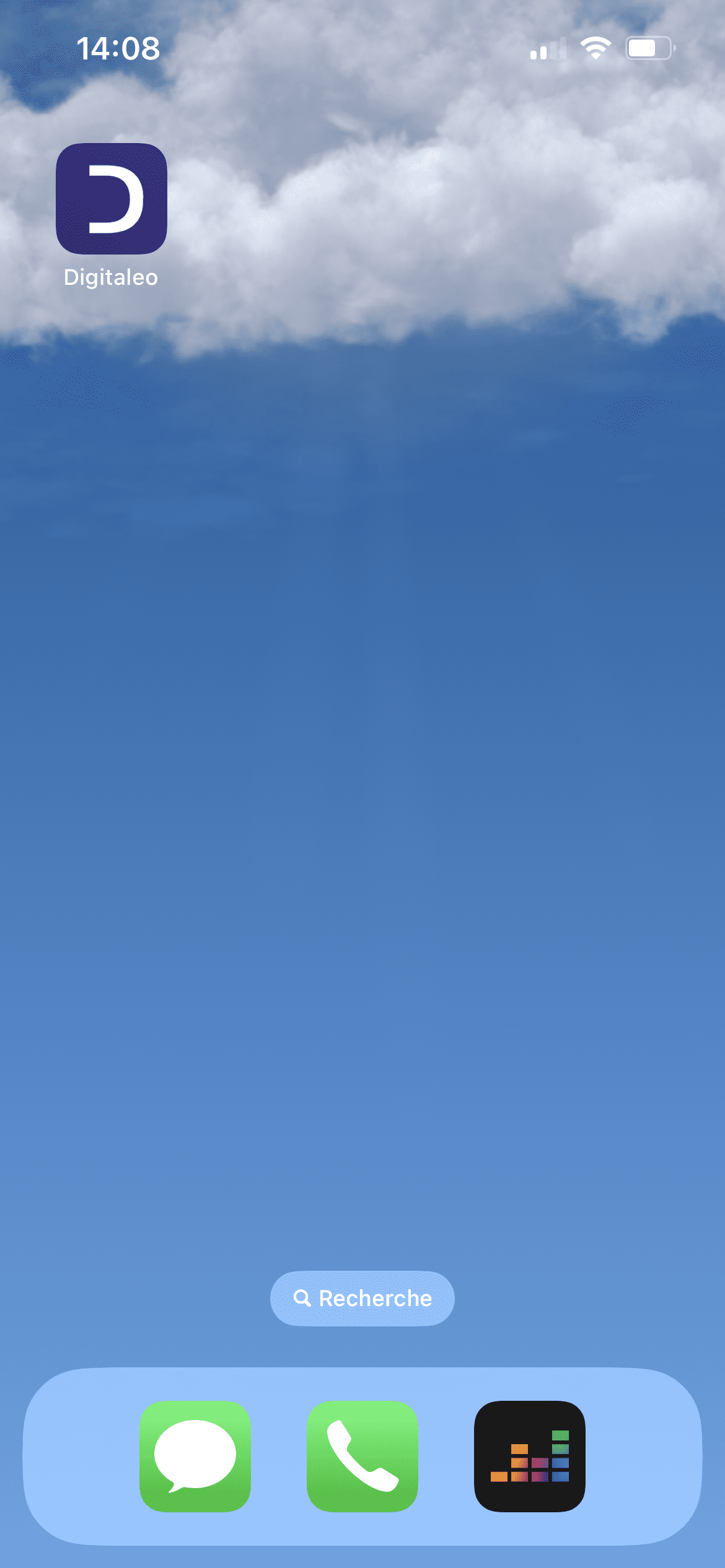
Return to the home screen of your phone or tablet to see the Digitaleo app in your list of applications.
Click on the icon to launch the application
Enter your login and password (these are the same as your Digitaleo access on your computer)
👉 PS: Save your password so you don’t have to re-enter it each time you use the application.
A la carte modules for all your local marketing needs
+ More than 600 networks trust us
Your success is our priority: benefit from tailor-made support and the know-how of our local marketing experts.